Free Chrome ExtensionYouTube Transcript
YouTube Transcript
by ToobText
Adds a full transcript panel — with timestamps — directly to every YouTube video page. No copy-pasting. No extra tabs.
Add to Chrome — it's freeyoutube.com/watch?v=…
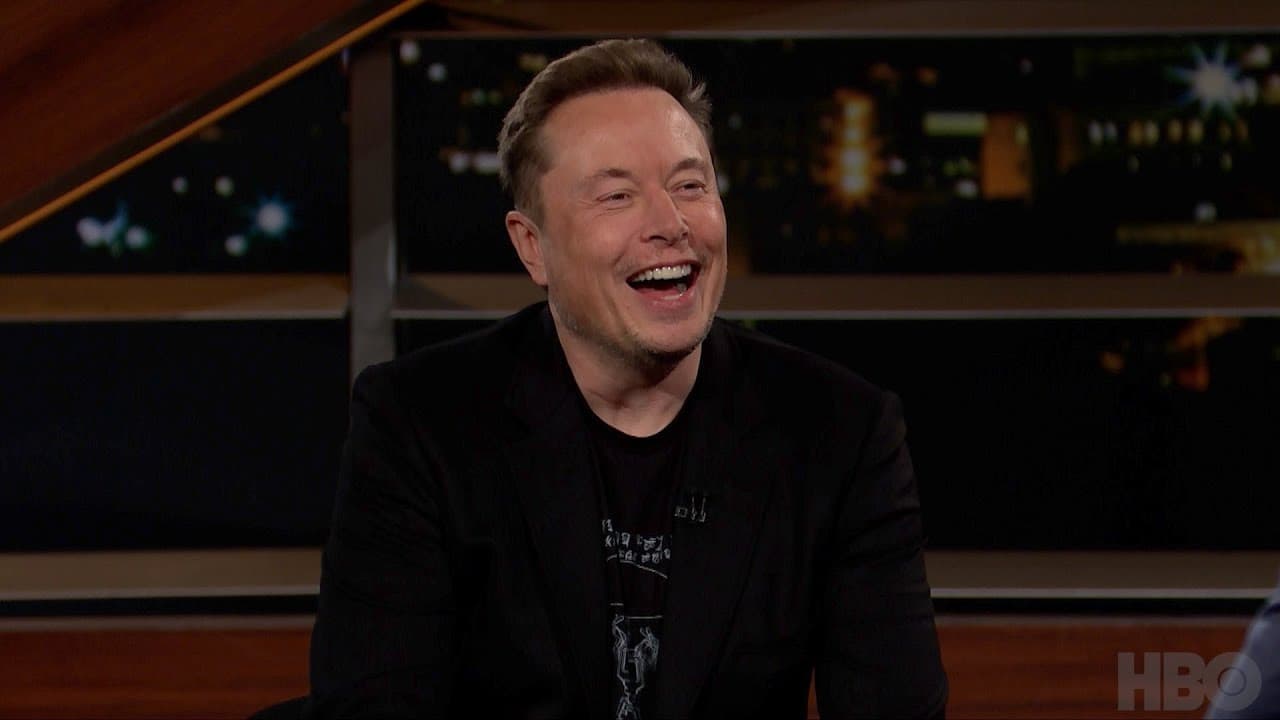
Transcript
0:54I do have a long work day
0:57um yeah so
0:59I work a lot
1:03I'm so thrilled you're here because you
1:04know we do a show where we talk about
The transcript panel opens alongside the video — timestamps sync with playback.
How it works
1
Install the extension
Add "YouTube Transcript by ToobText" from the Chrome Web Store. One click, no sign-in required.
2
Open any YouTube video
Navigate to any YouTube video in Chrome. The extension activates automatically on every video page.
3
Read the full transcript
A panel appears on the right with the complete transcript and clickable timestamps that jump to that moment in the video.